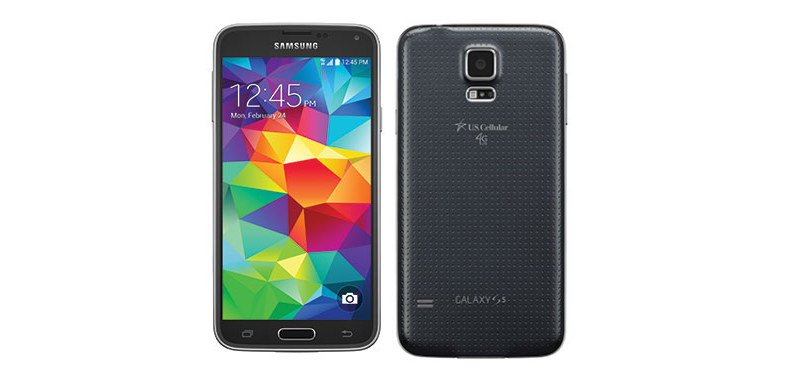
US Cellular updates for the Galaxy S5, Note 3 and Note 4. Samsung has posted the changelog for the three devices, with the details regarding the Phone Dialer, the Camera, Hangouts, Just say “Ok Google” and Emoji everywhere.
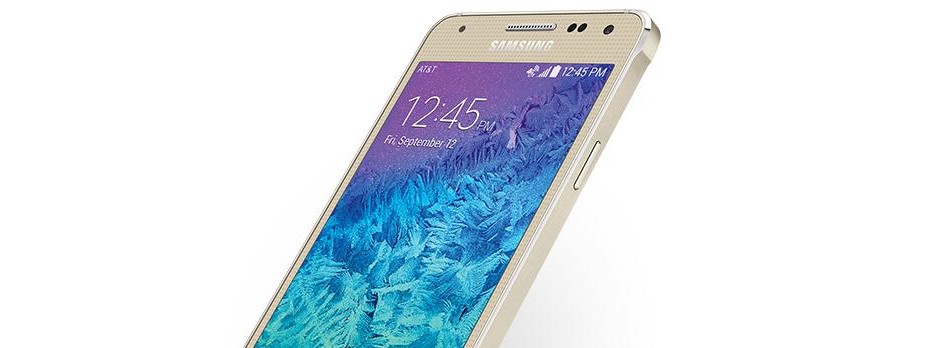
AT&T has released a minor OTA update for the Galaxy Alpha. The new version brings the software to the number G850AUCU1ANL1, and the official changelog just announce “ user experience enhancements”.
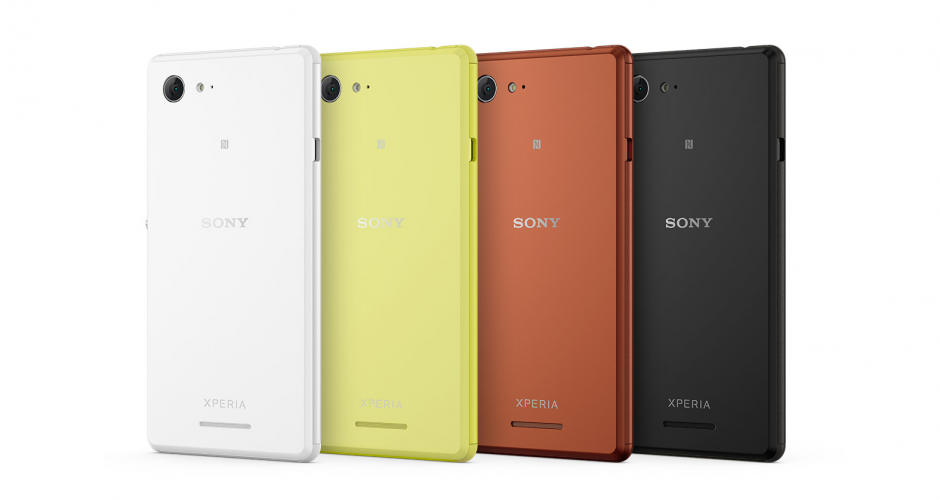
Sony updates the Xperia E3 to Android 4.4.4. Currently, the new firmware built 18.5.A.0.26 can only be downloaded through XperiFirm for the D2202 HSPA+ variant.
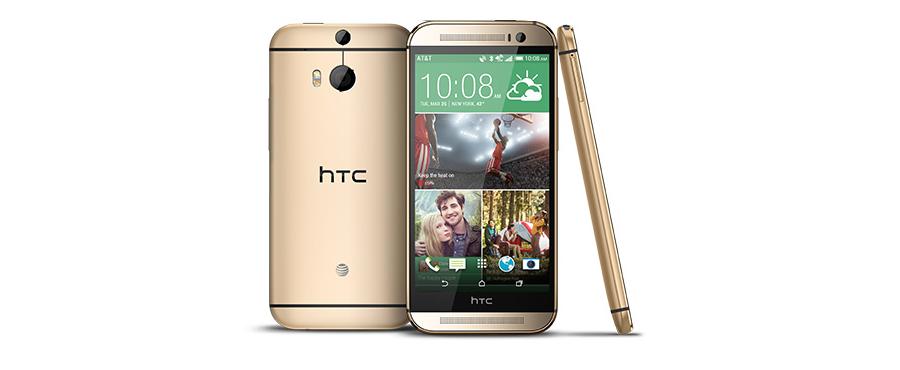
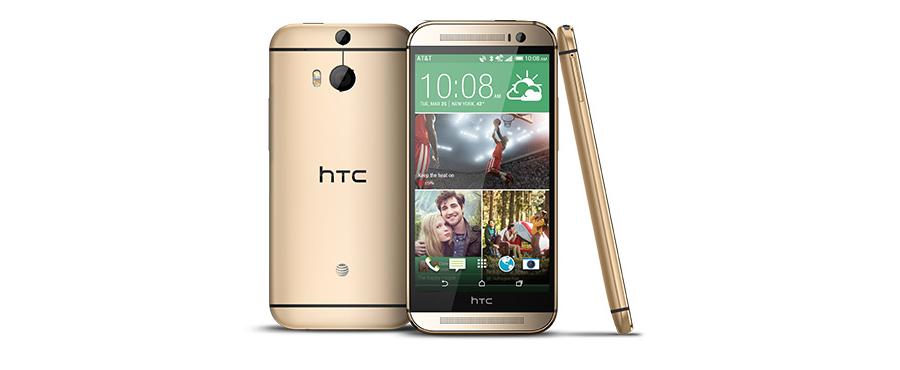
HTC One M8 on AT&T update to 4.4.4. This update bring the software from Android 4.4.3 to Android 4.4.4, adding some useful features.
Lollipop OTA update for the HTC One M8 unlocked edition. The new version will come to your devices via OTA update, and it will bring the new Sense 6 together with the Android 5.0.
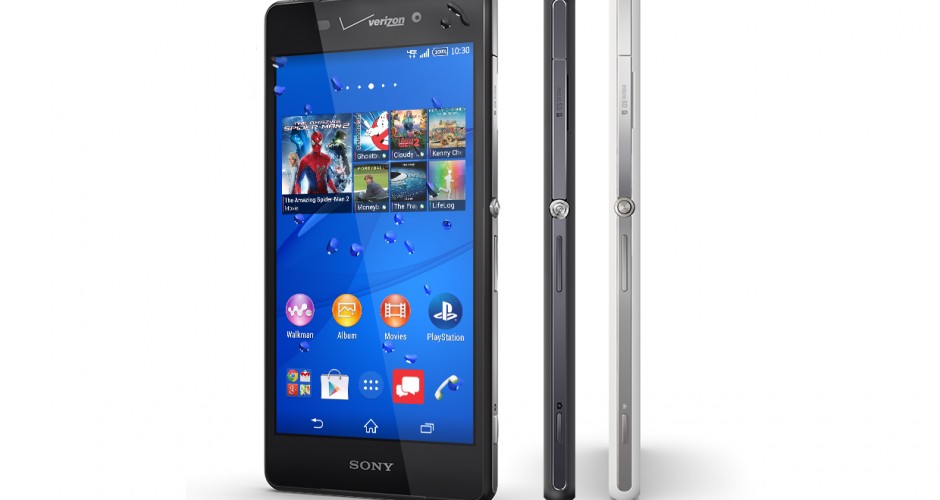
Verizon updates the Xperia Z3v. It’s a quite interesting OTA update, with a handful of small software improvements. The main feature than comes with the new software is the ability to stream in HD.
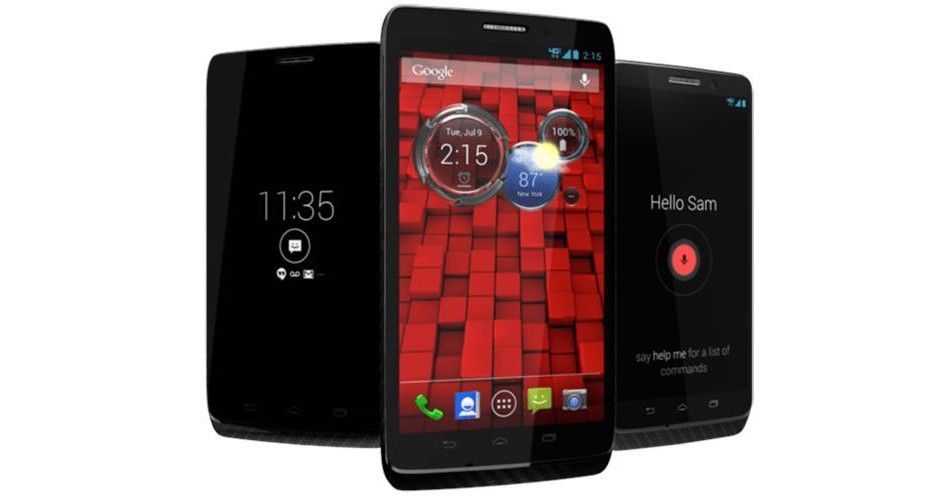
Verizon updates the DROID family. The DROID Ultra, Maxx and Mini are going to get this OTA update that basically brings “Advanced Calling bug fixes and stability improvements”.
Available resources to update your Android phone or tablet. With this guide you will be able to find, download and install updating files for your LG Optimus L5 2(E615)
How to update your LG Optimus L5 2(E615)
With this guide you will be able to find, download and install all necessary updating files for your LG Optimus L5 2(E615).
Hope you can get satisfied with the new device update, enjoy the last Android version and don’t forget to look for new updates frequently.
Firstly, you have what you came for: the updates. Choose between ‘OTA‘ or ‘Non OTA‘ to get the instructions.
If you choose OTA you will get a simply step by step guide to perform the process. Otherwise you will be redirect to your official developer webpage, where you can get the update files.
At the drivers section you can obtain the last updated drivers for your device. A driver is a kind of software which provides an interface that allows the user to communicate with the operative system, without which, you couldn't have any kind of answer from the device. As you can see, drivers are an essential piece in Android world.
Here we have put a way to get an update for drivers. Official download is always available, and, in most cases, local download too. Both, official and local are valid. It is interesting, if you are going to root, to have the drivers updated and it's also important in order to get the best user experience.
Lastly, if your device and drivers are up-to-date, maybe you will be interested in rooting your Android OS. Rooting is a very searched process by Android users (AKA Jailbreak in iOS). Being root, get root access or superuser permissions is fully legal and gives you the entire control over your Android OS device as if it were you own PC. No matter which kind you have: phone, tablet even smartwatch are 'rootable'. Thus, we have put a link so that you can do it.
REMEMBER
Don't update via OTA after rooting! Custom roms have their own updates and, most of them, have been uploaded in forums or the web where you downloaded it. However, a new software called OTA Update Center is being developed. It will ease the ROM updating process in near future.
OTA Updates:
- OTA Updates are automatic updates that pop up on your device screen, therefore, they don't need to be downloaded. You can also check for them manually in:
'Settings => About your phone => Update software'
If you get an OTA Update notification and you want to update your device following this method you only need to click in the OK / Accept button and the update will be started. We recommend you to ensure battery is full charged and you're connected to a WIFI network because the update can require to download many files. After the download process you must click over 'Install now' button and when the installation will be finished your device will be updated.
If you have any doubt, read more information about OTA Updates in the following link.
OTA Updates Info
Non OTA Updates:
Specific Manufacturer Software
If the manufacturer provides a specific software, such as KIES application (Samsung) or PCCompanion (Sony), the program itself will download the appropriate ROM files depending on model, country... and you will be able to update your device directly using this specific manufacturer software.
Update with manual installation
However,if you can't get any specific software from manufacturer you will need to download from official manufacturer's website the update files to your computer. Then, you must copy these files to your Android phone or tablet via cable connection and finally, you will need to follow the steps provided by the manufacturer to install the update in your device.
Drivers for LG Optimus L5 2(E615)
This section will redirect to the drivers download page, just choose between local or official download. A driver is a kind of software that allows your device to interact with hardware, such like connecting your smartphone with your pc. Some of them are installed or updated automatically when the hardware is connected, but others not. They are easy to get and install, just click on the link.
Drivers Download
Root your LG Optimus L5 2(E615)
After performing the update of software and drivers, you can click the link below an select your Android OS version in order to root it, we have also put a step by step tutorial for you. By rooting Android OS you will get superuser permissions and you will be able to change the ROM too... If you want.
Rooting Android Guide
We know that root can be a confusing experience, here goes an interesting article with information about the rooting process. There is also another article more extended if you are not satisfied yet. Reading both articles would be a good option and we promise that it's not a waste of time.
Rooting Info
Legal Conditions
Hexamob doesn't get responsable about any kind of damage over your device. You assume all the risks by performing the methods described above.
We recommend you to make a backup before try something unknown and read the instructions carefully. If you have any doubt of trouble we have left the official link of the developer.
To get more information, see our terms of conditions and privacy policy. For personal information check the About Us section